github.com/garethrees/image_to_html
0.1.0 / published Dec 2, 2021 / repository
OCR an image and output HTML containing the image and its extracted text
ImageToHTML
CLI tool to OCR an image and output HTML containing the image and its extracted text.
$ image-to-html hello.jpg > ~/tmp/hello.jpg.html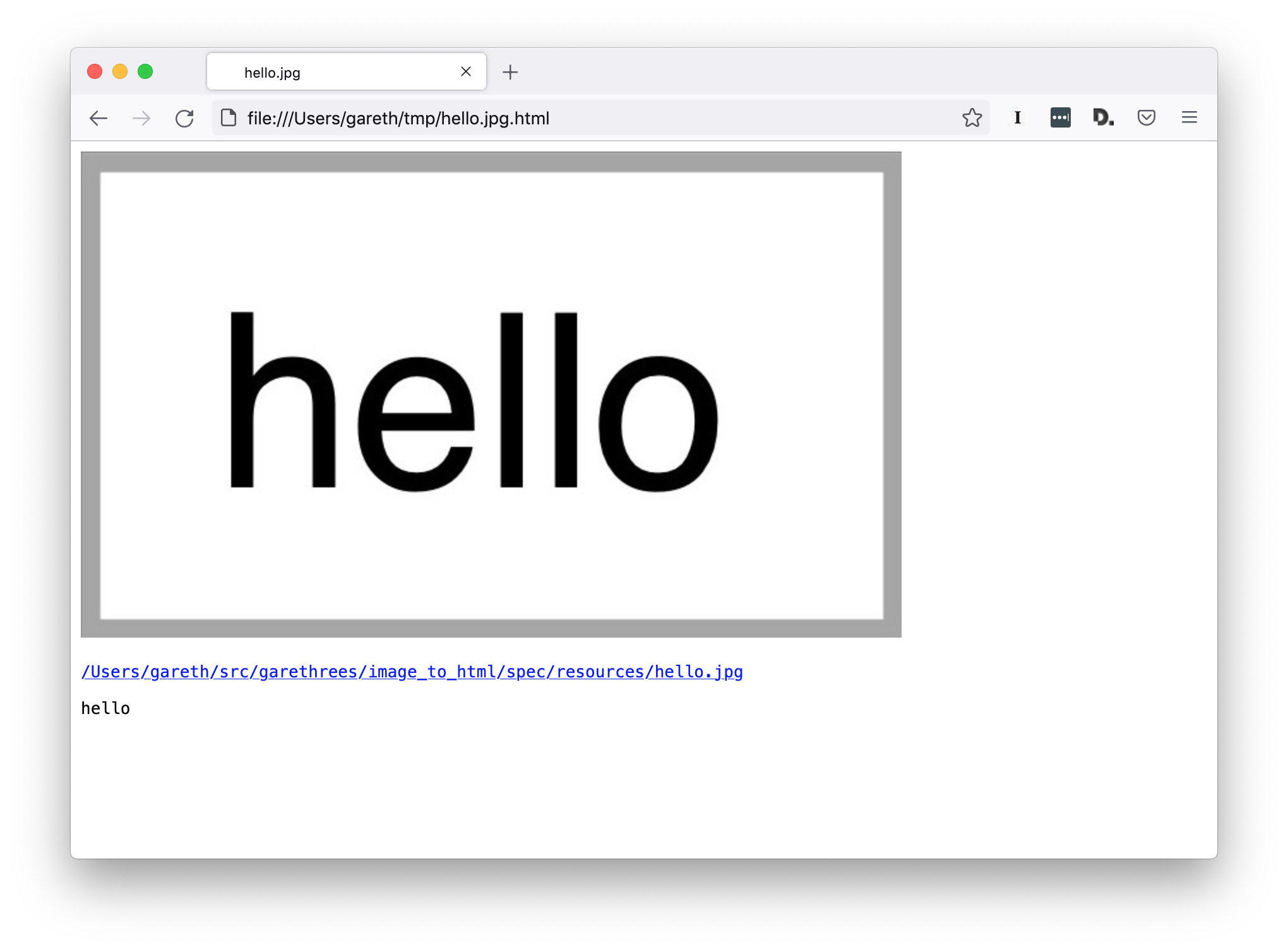
Installation
This program must be compiled from source.
Prerequisites:
- Clone this git repo:
$ git clone git@github.com:garethrees/image_to_html.git- To build a binary:
$ make bin/image-to-html- To use as a library, add the dependency to your
shard.yml:
dependencies:
  image_to_html:
github: garethrees/image_to_html- Run
shards install
Usage
As a binary:
# Print the HTML to stdout
$ bin/image-to-html /path/to/image.jpg

# You can redirect stdout to create a HTML file
$ bin/image-to-html /path/to/image.jpg > image.jpg.html
As a library:
# Just generate the HTML
html = ImageToHtml.run("/path/to/image.jpg")

# Or build it up yourself
html = ImageToHtml::Html.new(
  ImageToHtml::Image.new(
    Path["/path/to/image.jpg"]
  )
).to_s
Contributing
- Fork it (https://github.com/garethrees/image_to_html/fork)
- Create your feature branch (
git checkout -b my-new-feature) - Make sure the tests pass (
make test) - Commit your changes (
git commit -am 'Add some feature') - Push to the branch (
git push origin my-new-feature) - Create a new Pull Request
Contributors
- Gareth Rees - creator and maintainer
Credits
- Screenotate for the inspiration
- dannnylo/tesseract-ocr-crystal for the OCR integration
- ylansegal/franklin.cr for the
Makefile
API
- ImageToHtml
OCR an image and output HTML containing the image and its extracted text.